
Device-Code Phishing: When the Sign-In Website Is Real but the Request Is Fake
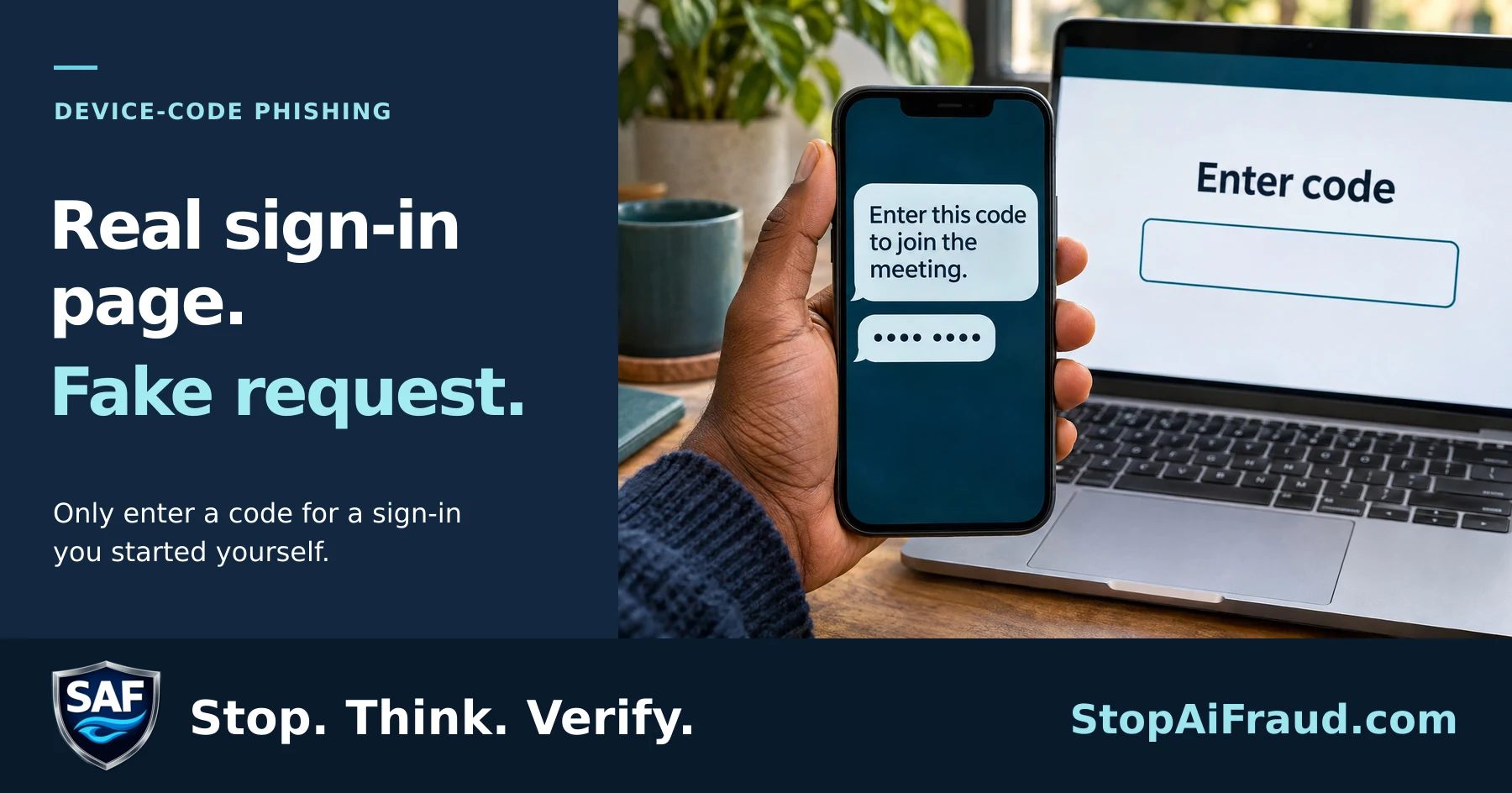
A real website is not proof that the request is safe
Someone sends you an email, text or chat message containing a code. The message says you need to enter it on Microsoft’s sign-in page to view a document, join a meeting, fix an account problem or complete a security check.
The website may truly belong to Microsoft. The code may work. But the person who sent it may be a criminal.
This technique is called device-code phishing. Instead of stealing your password through a fake website, the criminal starts a legitimate device sign-in process and persuades you to approve it. Entering the code can authorize the criminal’s device or session to access your account.
Why this warning matters now
On September 22, 2026, Microsoft announced that it had disrupted EvilTokens, an AI-powered cybercrime service. Microsoft linked the operation to more than 12,000 compromised email inboxes across over 10,000 organizations worldwide.
According to Microsoft, the service did more than help criminals gain access to email. Its AI tools could examine stolen inboxes, identify trusted relationships and payment responsibilities, and recommend whom to impersonate. That could help criminals create convincing messages involving invoices, wire transfers or changed payment instructions.
Microsoft announced the disruption on September 22. Related arrests in the United Kingdom occurred on September 11, according to Microsoft. The investigation remains ongoing.
The warning sign to remember
Do not enter a device or sign-in code simply because someone sent it to you.
Be especially cautious when the request:
- Arrives unexpectedly by email, text, Teams message or another chat service.
- Claims the code is required to open a document or join a meeting.
- Creates urgency or says your account will be restricted.
- Comes from a familiar contact but feels unusual.
- Leads to a real sign-in page and then asks you to approve access you did not initiate.
A trusted person’s account may already be compromised. A familiar name, correct email address or previous conversation does not make an unusual access request safe.
What to do instead
- Stop before entering the code. Do not complete an unexpected sign-in flow.
- Contact the sender independently. Use a phone number you already know—not a number supplied in the message.
- Open the service yourself. Use your normal app, saved bookmark or manually typed web address.
- Verify payment changes through a second channel. Call a known contact before changing banking information, redirecting funds or approving an unusual transaction.
- Tell your workplace or organization. If the message involves a work, school, healthcare or nonprofit account, notify the appropriate technology or security contact.
If you already entered the code
Act promptly. Change the account password, review recent sign-in activity, sign out unfamiliar sessions and contact the account provider or your organization’s technology team. A password change alone may not end every active session, so ask that suspicious sessions and access tokens be revoked.
Review sent messages, forwarding rules and financial conversations for unauthorized changes. Warn contacts if the compromised account may have sent deceptive messages.
The SAF takeaway
Traditional advice often focuses on spotting fake websites. That is still important, but this case adds another lesson:
A real website does not make an unexpected request safe.
Pause, verify who initiated the request and approve only actions you understand and intended to begin.

StopAiFraud Foundation
Stop. Think. Verify.
StopAiFraud.com
Sources
Bring SAF to Your Community
StopAiFraud Foundation provides free educational resources and training programs for institutions, senior centers, and community organizations. Partner with us to help protect the people you serve.
Related Resources
Stay Updated on AI Fraud
Get weekly alerts and insights delivered to your inbox.
Subscribe to Newsletter